
Model tags group and combine components in the Hysopt software. Using tags with the search function lets the user quickly locate and modify base circuits or parameters for components that share the same tag.
Add tags as follows:
-
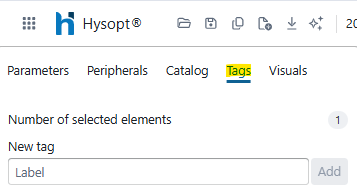
Select one or multiple components
-
Open the Tag window
-
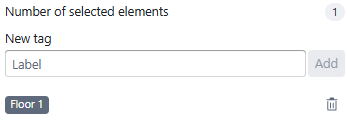
Click Add Tag
-
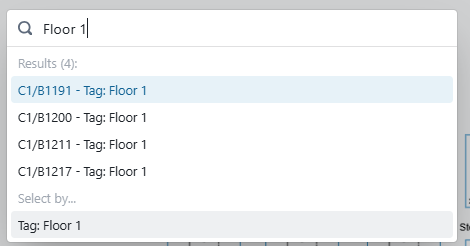
Search for and select the tag
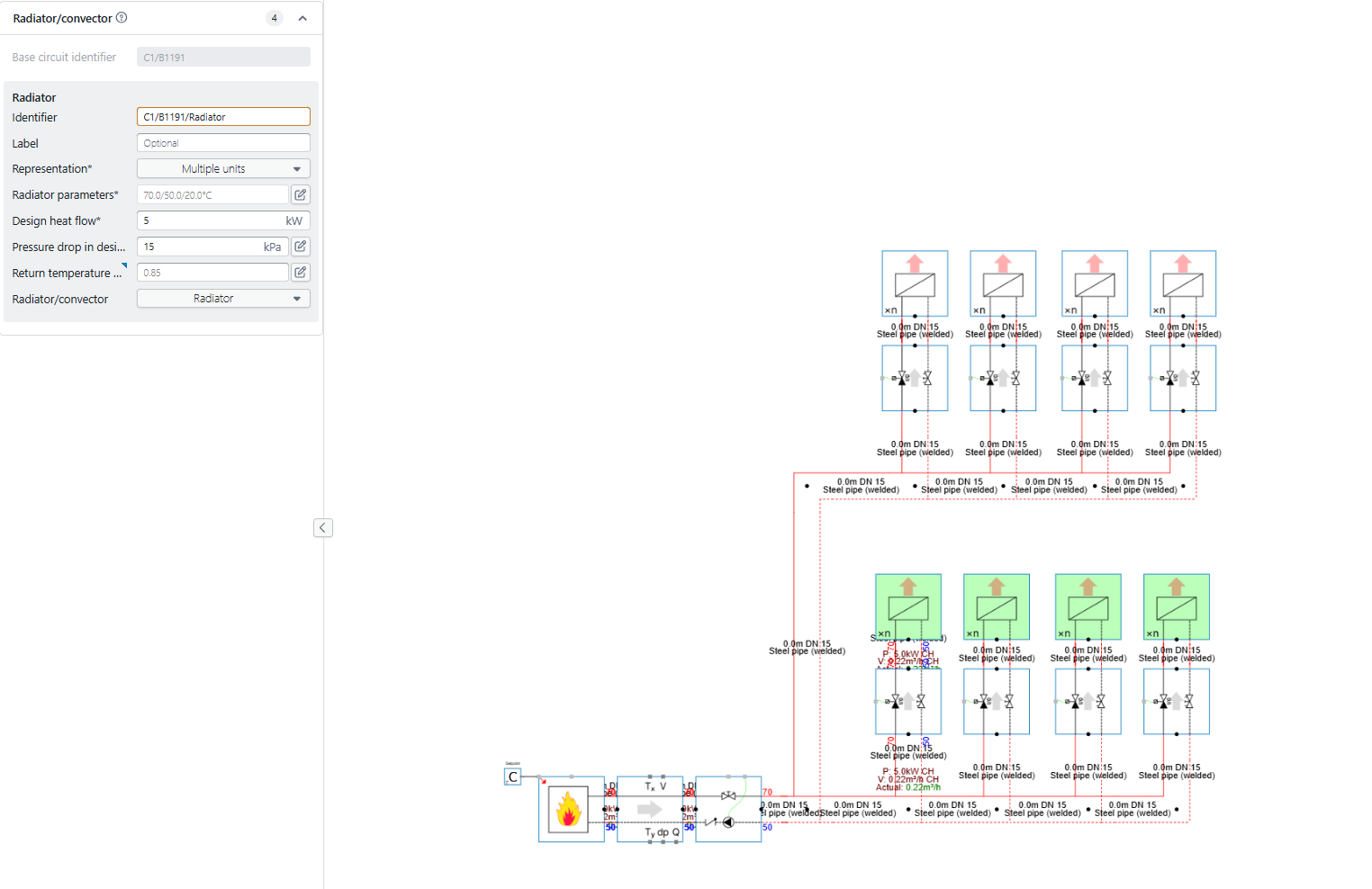
The four units tagged “Floor 1” are selected automatically, allowing the user to parameterize them as a group.
|
Tag - functionality steps |
|---|
|
|
|

|
|